





(860) 633-2660
Skip to content
  • There are no suggestions because the search field is empty.
Quick

One Platform. Total Confidence

From hiring to compliance to data insights, the Foley Platform brings everything together so you can focus on running a safer, smarter and audit-prepared business

Explore the Foley Platform
Drive

Built for Every Business Stage

Foley's platform meets you where you are and scales as you grow—helping you stay organized, informed, and confident in your hiring and compliance processes

Explore the Foley Platform
nav-feature_resources

New Resources Waiting for You & Your Team

Expert, always-free resources at your fingertips.

Learn More

AI guidance that drives real compliance action 

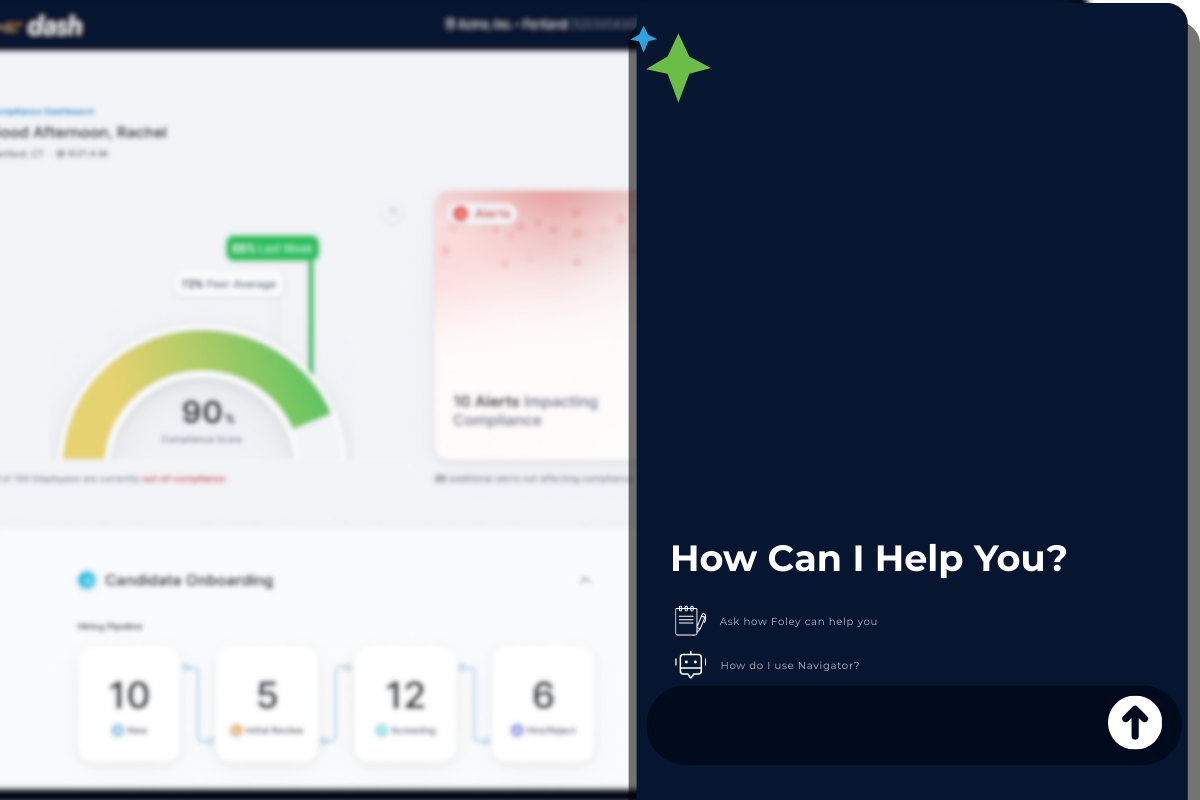
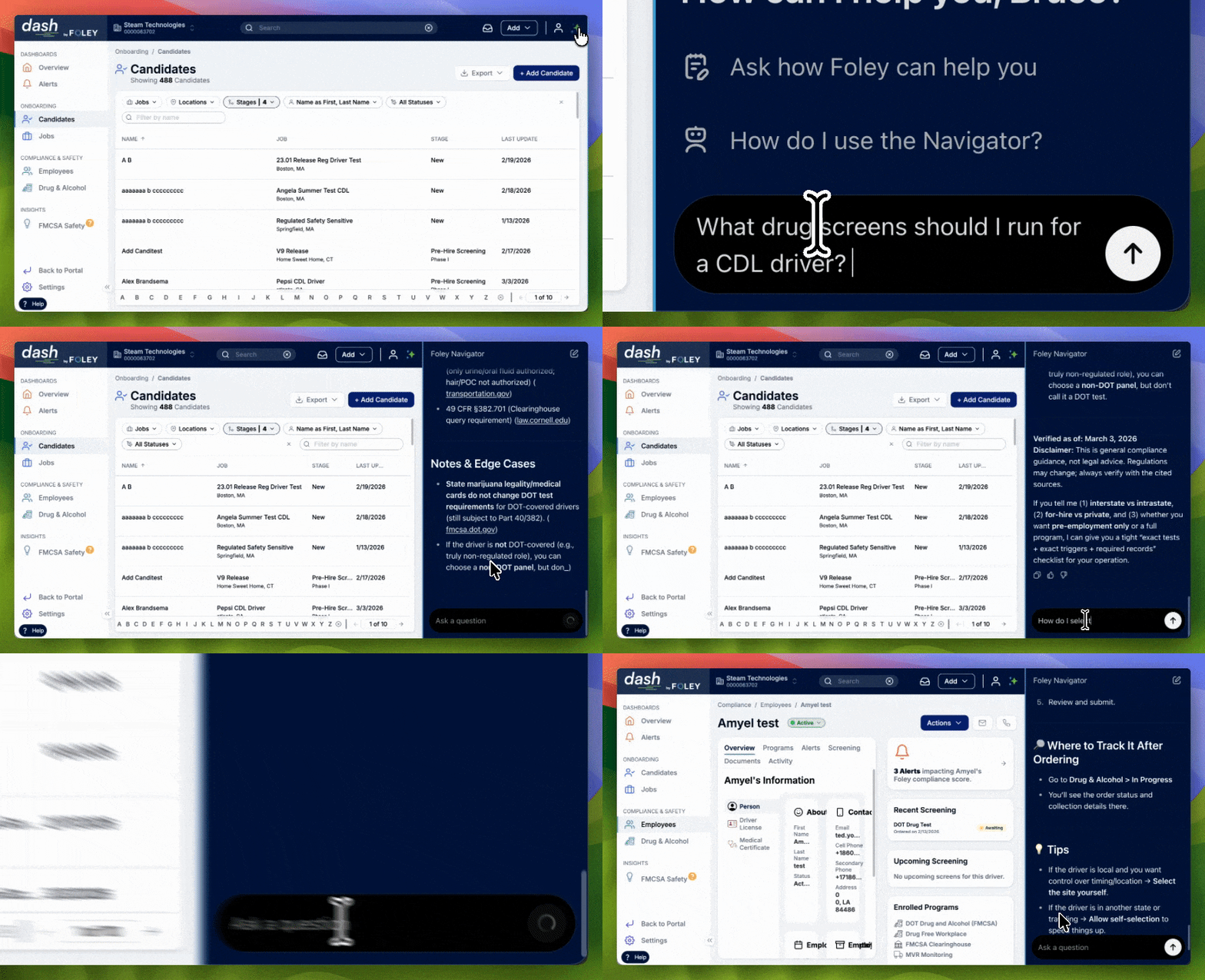
 Navigator turns compliance and hiring questions into clear next steps. Get plain-language explanations, trusted source links, and guidance connected to Foley workflows so your team can act at the speed of risk.  

Your on - call clarity layer

 Navigator turns “What does this mean?” into clear next steps, from sources you and your team can trust and informed by Foley's workflows, without ever leaving the platform.  
When something flags

 An alert pops up and you’re not sure what it means? Navigator explains why it matters and what to do next. 


When something changes

 A requirement shifts or a situation is unfamiliar? Ask Navigator what’s required, what’s recommended, and how to respond. 


When scrutiny hits

 An audit, review, or inspection is coming up? Navigator helps you validate what “good” looks like and what to document. 


When you’re not sure where to click

 Navigator guides you through Foley workflows so you can complete tasks faster—without waiting on training or support. 


Your on - call clarity layer

 Navigator turns “What does this mean?” into clear next steps, from sources you and your team can trust and informed by Foley's workflows, without ever leaving the platform.  
When something flags

 An alert pops up and you’re not sure what it means? Navigator explains why it matters and what to do next. 

When something changes

 A requirement shifts or a situation is unfamiliar? Ask Navigator what’s required, what’s recommended, and how to respond. 

When scrutiny hits

 An audit, review, or inspection is coming up? Navigator helps you validate what “good” looks like and what to document. 

When you’re not sure where to click

 Navigator guides you through Foley workflows so you can complete tasks faster—without waiting on training or support. 

AI that drives action, not confusion
Interpret compliance signals
Understand what an alert, requirement, or screening result actually means—without guessing. 
Align to the same standard 
Keep safety, HR, and operations working from consistent definitions and expectations.
Act with clear next steps 
Get guidance that points to the right next action inside Foley, so issues get resolved faster.
Ground it in trusted sources
Review linked source context so decisions are easier to explain and defend. 

Built for teams who own risk

Safety & Compliance


Interpret signals, respond consistently


ICON_manufacturing2
HR & Hiring


Understand screening steps and requirements

ICON_Hiring
Leaders:


Confidence in defensible, repeatable processes

ICON_Onboarding

Frequently Asked Questions

What is Navigator?
Navigator is AI guidance built into Foley. It provides plain-language explanations, links to trusted sources, and clear next steps to help teams stay audit-ready.
What kinds of questions can I ask Navigator?
 Ask questions like: “What does this alert mean?”, “What’s required vs. recommended?”, “What should I do next?”, or “Where do I go in Foley to handle this?”
How does Navigator help with audits and inspections?
It helps your team interpret issues consistently, understand what matters, and address gaps earlier—so audit prep is less reactive and more defensible.
Does Navigator link to sources?
Yes. Navigator is designed to provide source-linked context so your team can review the “why” behind guidance and align on the same standard.
Is Navigator legal advice?

No. Navigator provides general guidance and source-linked context to support decisions. It does not provide legal advice.

Can Navigator help me use Foley better?

Yes. Navigator can guide you through Foley workflows—what to do, where to click, and why a step matters—so you can move faster without waiting on training.

Who is Navigator for?

Safety and compliance teams, HR and hiring teams, and leaders who want consistent, defensible processes across the organization.

Will Navigator replace our compliance expert or Foley support?

 Navigator helps reduce routine “what does this mean?” questions and speeds up next steps. For complex scenarios or account-specific needs, your team can still rely on Foley support and internal experts. 

How do I get Navigator?

 Navigator is available within the Foley Platform. Request a demo to see how it works and confirm availability for your organization. 

Will Navigator replace our compliance expert or Foley support?

 Navigator helps reduce routine “what does this mean?” questions and speeds up next steps. For complex scenarios or account-specific needs, your team can still rely on Foley support and internal experts. 

×
Fill out this form and a member of our team will reach out shorty.

See Navigator in action
 Discover the power of AI built where you do your work and grow your compliance confidence. Fill out the form for a free demo.  

form-img
Whether you’re looking for a quick background check, or a comprehensive DOT compliance solution, Foley can help.